
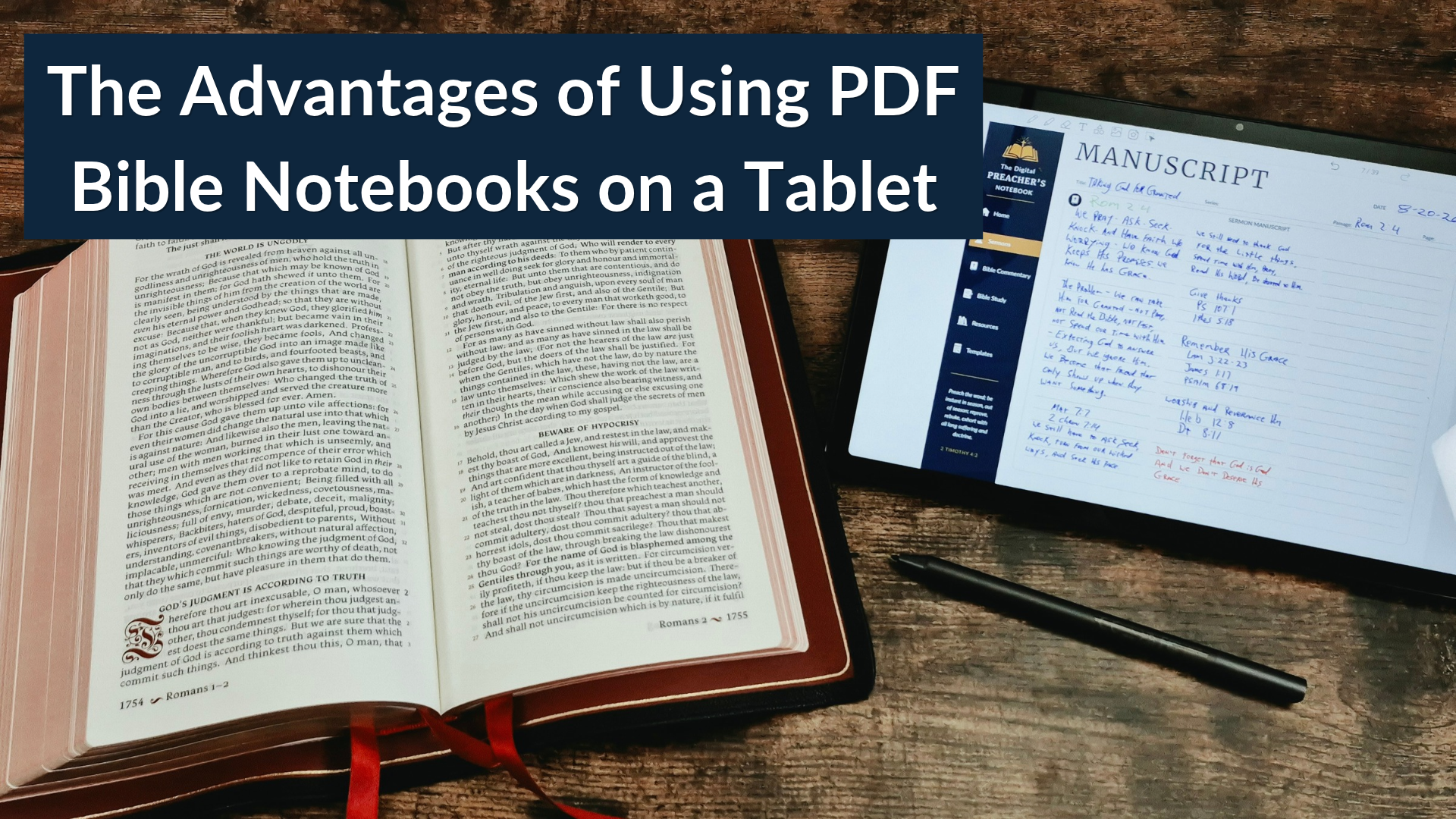
Studying the Bible involves more than just reading a passage. You might want to write down your observations, compare verses, write questions, organize sermon ideas, or track the insights you’ve discovered. A notebook can help bring all of this together, but traditional paper notebooks aren’t the only option.
PDF Bible notebooks offer another way to organize your Bible study notes. When used with a tablet and a note-taking app, they combine the experience of writing on a page with digital features that can make studying and organizing your information more convenient.
Whether you prefer handwritten notes or just want a more structured approach to Bible study, here are several advantages of using a PDF Bible notebook on a tablet.
1. Keep Your Bible Study Notes in One Place
One of the biggest advantages of a digital Bible notebook is having a single place for your notes. Instead of keeping separate notebooks for book studies, passage studies, word studies, sermon ideas, and general observations, you can use a single digital notebook designed around these activities.
A hyperlinked PDF notebook can organize this with navigation tabs, indexes, and links to specific sections. Rather than flipping through a stack of paper notebooks, you can tap a link to move directly to the section you need. This is especially helpful when studying a specific Bible book for several weeks or months. Your observations, questions, and related notes can stay organized in a single digital workspace.
2. Write by Hand With a Digital Stylus
Many people find that handwriting helps them slow down and think through what they are studying. Writing notes by hand can also feel more natural than typing. With a compatible tablet, pen, and a PDF annotation app, you can write directly on the pages of a digital Bible notebook. You can record your observations, underline, draw diagrams, and make connections between passages.
The experience depends on your device and software, but many tablets support handwriting that feels similar to writing in a traditional notebook. So, you don’t have to give up handwriting your notes to benefit from digital organization tools. A PDF Bible notebook can provide the same structure as a prepared notebook while giving you the freedom to organize your notes in a way that works best for you.
3. Use Templates to Guide Your Bible Study
A blank notebook gives you plenty of freedom, but sometimes a structured page makes it easier to get started. PDF Bible notebooks can include templates designed for specific types of study. For example, a book study page might help you record the book’s background, purpose, and major themes, while a passage study template could provide space for your observations, interpretation, questions, and applications.
Other useful templates include:
- Verse study and word study pages
- Scripture mapping and mind mapping
- Character studies
- Topical studies
- Commentary and reference notes
- Lined, dotted, grid, and blank pages for additional notes that you can place where you want
These templates don’t replace careful Bible study or the need to consult Scripture and other resources. Instead, they provide a framework so you can record what you learn. You can follow the prompts when they are helpful and use the available writing space in the way that works best for each study.
4. Navigate Quickly Between Sections
One useful feature of a hyperlinked PDF notebook is internal navigation. Traditional notebooks require you to turn pages or rely on handwritten indexes to find older notes. A well-designed digital notebook can include links that take you directly to the major sections, individual templates, or other parts of the notebook.
For example, you might move from a passage study to your commentary notes, then open a page of your personal notes without having to search through dozens of pages manually. The exact navigation experience will depend on how the PDF is designed and which app you use. Some apps also let you add bookmarks or use their own navigation tools. For a notebook that you plan to use regularly, these small conveniences can make a great difference in usability.
5. Carry Multiple Notebooks on One Device
A tablet can hold several PDF notebooks without requiring you to carry multiple physical books. You might keep a Bible Study Notebook, a Preacher’s Notebook, and a personal journal on the same device. If you travel, attend church services, teach a Bible study, or visit another congregation to preach, all of your handwritten notes can travel with you on a single device.
You can also keep other study resources available on the tablet, such as a Bible app, digital commentaries, dictionaries, or reference books. The ability to switch between your apps and documents depends on your device, but having your notes and digital resources in one portable tablet you can use anywhere can be convenient.
6. Customize Your Notes to Fit Your Study Habits
PDF notebooks can provide a starting point without having to use every field or page. You can write your observations, fill an entire page with detailed notes, sketch a diagram, or skip a section if it doesn’t apply to your study. Many PDF annotation apps allow you to add pages, duplicate templates, highlight text, or move pages where you want them. Some PDF notebooks include reusable blank, lined, dotted, or grid pages for notes that don’t fit a specific template.
A customizable digital notebook takes this idea further by allowing you to organize the notebook around your individual needs. This is useful if you prefer to develop your own study system rather than follow a predefined structure. Keep in mind that a PDF notebook is not the same as a fully editable word-processing document. How much you can change depends on the PDF, the annotation app, and the notebook’s design.
7. Choose a Tablet That Fits Your Budget and Preferences
You don’t necessarily need an expensive writing tablet to use PDF Bible notebooks. Many standard tablets can open and annotate PDFs with compatible apps. Depending on your preferences and budget, you might use an iPad, an Android tablet, or an e-ink writing device.
When choosing a tablet, consider:
- Screen size: A larger screen provides more room for handwritten notes, while a smaller tablet may be easier to carry.
- Stylus support: Check whether the tablet supports handwriting with a compatible pen and whether the pen must be purchased separately.
- PDF annotation apps: Make sure your preferred app can write on PDFs and save your annotations.
- Battery life: Consider how long you need the device to last during study sessions, church services, or travel.
- Reading comfort: Screen finish, brightness, glare, and type of display can affect how comfortable the device is for extended use.
Standard tablets often offer a wider selection of apps and other capabilities, while e-ink devices may appeal to people who prefer a paper-like reading experience. The best choice depends on how you plan to use the notebook. Before purchasing a device specifically for digital notebooks, check its PDF annotation capabilities and compatibility with your preferred workflow.
8. Keep Your Notes for Future Reference
Bible study is an ongoing process. A question you have today might lead to a deeper study months later, and an observation from one passage might be useful when studying a different passage. A digital notebook can help you preserve those notes in a consistent, easy-to-use structure. You can return to earlier notes, review what you have learned, and continue developing your understanding of a passage or topic.
Depending on your annotation app, you may also be able to export annotated PDFs, back up your files, or synchronize them across multiple devices. It’s important to understand how your chosen app stores and backs up your work. A PDF notebook does not guarantee your notes are synchronized in the cloud or backed up, so establish a backup routine for the notes you don’t want to lose.
Are PDF Bible Notebooks Right for You?
PDF Bible notebooks are worth considering if you enjoy handwritten notes but want more organization and portability than you can get from a library of paper notebooks.
They can be especially useful for people who:
- Regularly study specific Bible books or passages in depth
- Want structured templates for recording observations
- Prefer handwriting with a stylus
- Keep notes for teaching, preaching, or personal study
- Want to carry several notebooks and digital resources on one device
- Appreciate hyperlinks and organized navigation
There are trade-offs. You’ll need a compatible device and app, and some people still prefer the simplicity and feel of paper. The writing experience also varies with the specific tablets, styluses, and apps you use. You don’t need to replace your physical Bible or every paper notebook to try digital Bible study. A PDF notebook can simply become another tool in your study routine.
Explore Digital Bible Notebooks From Ministry Notebook
Ministry Notebook creates digital PDF notebooks designed to help people organize their study and ministry notes. Our collection includes notebooks for Bible study and preaching, a customizable notebook for people who want to build their own organization system, and many more coming soon. The notebooks are designed for use with compatible PDF annotation apps, allowing you to write by hand, navigate between sections, and keep your notes organized.
If you’re interested in trying digital Bible study, take a look at our notebooks and choose the one that best fits the way you study.
Explore the digital notebooks at Ministry Notebook and find a format that works for your Bible study routine.

0 Comments