
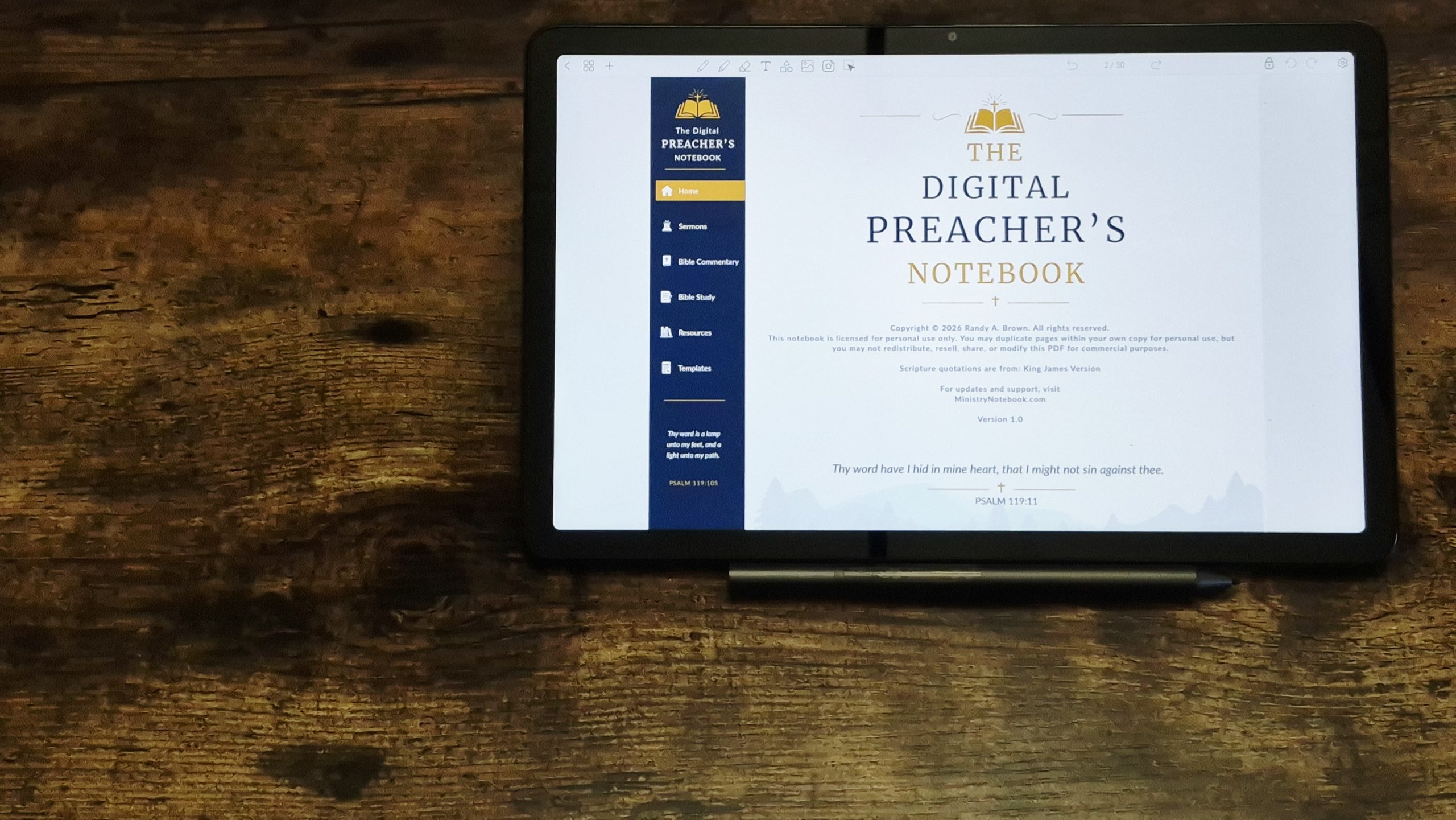
There are lots of ways to organize your sermons in the Digital Preacher’s Notebook. In this article, I’ll step through the method I use and recommend that will also be easy to build an archive and find your sermons easily. This works with both the landscape and portrait layouts.
Note, I’m using Penly for these examples, but the process is similar for all PDF apps and the organization method is the same.
1. Create a Cover Page
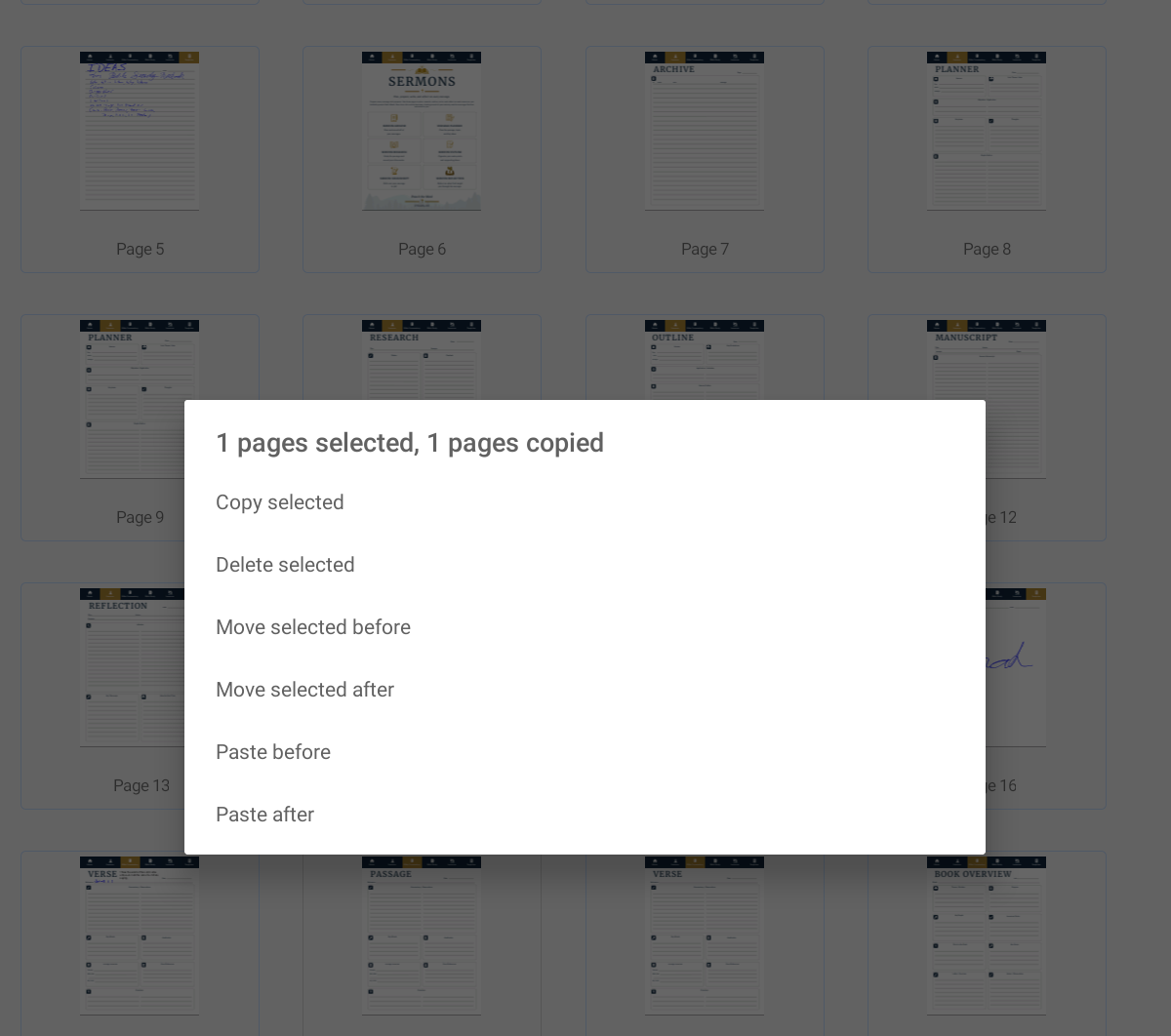
First, create a title page for the sermon notes. Open the index of pages that shows thumbnails of every page and hold down on the page you want to copy. I recommend selecting the blank template, but you can use any template you want to create the title page.
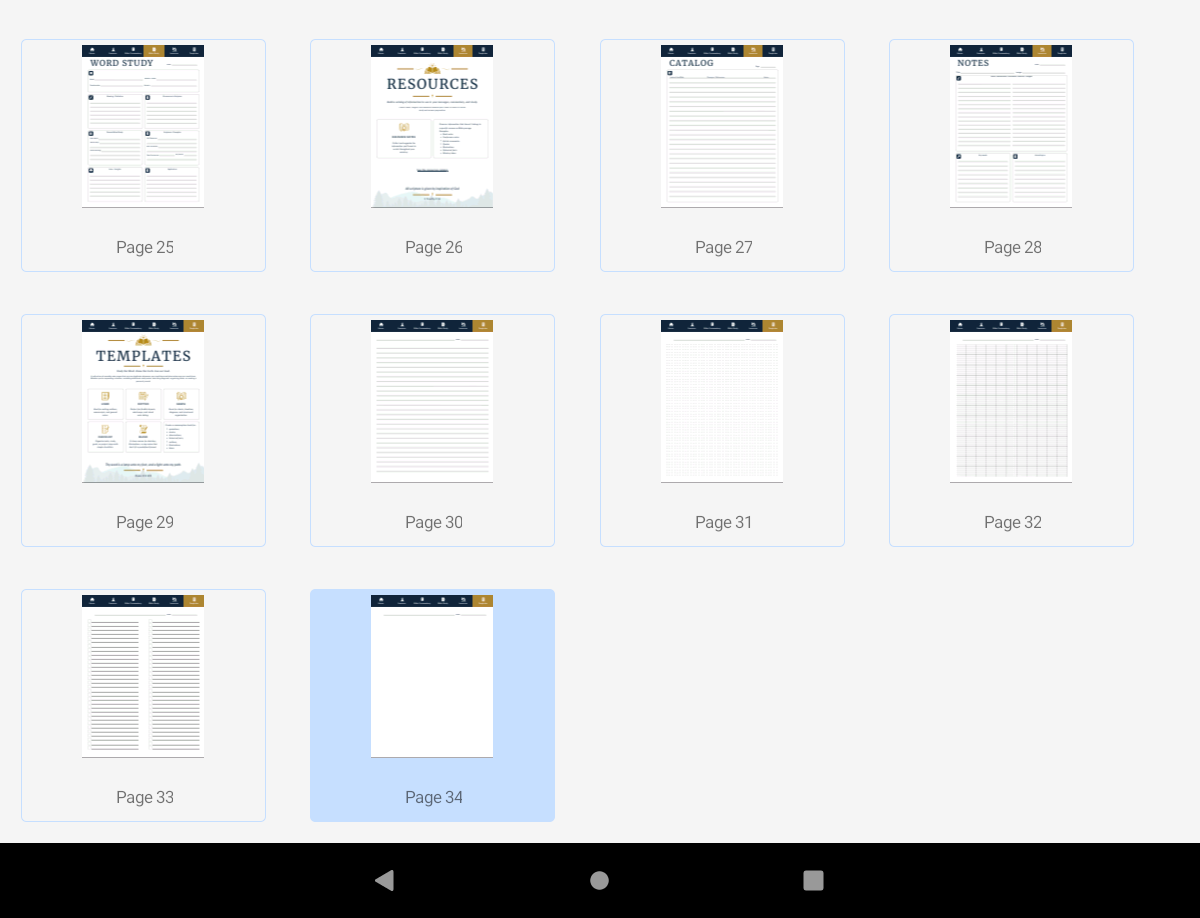
Paste the template after the Sermon Archive page.
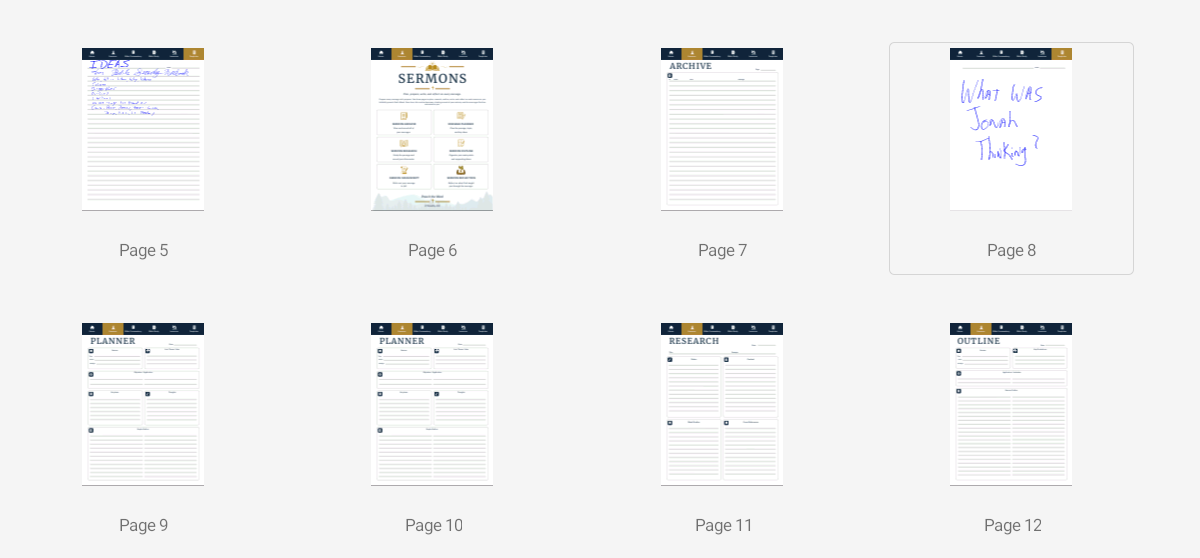
Open your blank template page and write the name of the sermon large enough that it’s viewable when viewing the thumbnails.
2. Copy the Sermon Templates You Want
Next, using the same method as above, copy all of the sermon templates you want to use for this sermon. Copy each template one at a time and past them after the cover page you created above. Place them in the order you want to use them. Also, include any other pages you want to use, such as Bible Study, Commentary, Resources, or the standard notebook templates. You can add them as you develop the sermon if you prefer.
3. Add the Sermon to the Archive
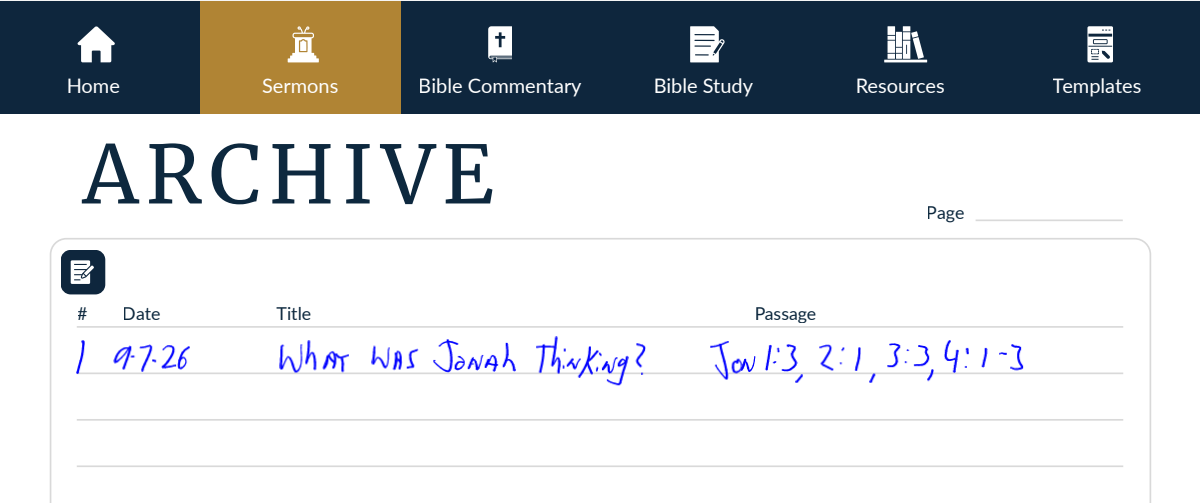
Once you’ve complete the sermon, add the information to the Archive page.
4. Creating More Sermons
Follow the same steps to create your next sermon. The palcement is up to you. You could place the next sermon after the first one, or before it. If you place it before it, then the latest sermon will always be available after the Archive page. This is the method I use becuase it works like a blog, showing the latest first. You can reorder them later if needed.
5. Navigating to Your Sermons
To find your sermons, open the index with thumbnails and scroll until you see the title page of the sermon you want and select it.
Video
Where to Purchase
See our store here at our website or on Etsy to purchase the Digital Preacher’s Notebook in either landscape or portrait layout.

0 Comments